Managing Organizations in Rill Cloud
Before a project can be deployed onto Rill Cloud, an organization must be created. If you are deploying via the UI, this will automatically be done for you. As an administrator, you can also create, edit, and delete organizations from the CLI. From the organization page, you will be able to view your projects, users, and overall settings.
Organization
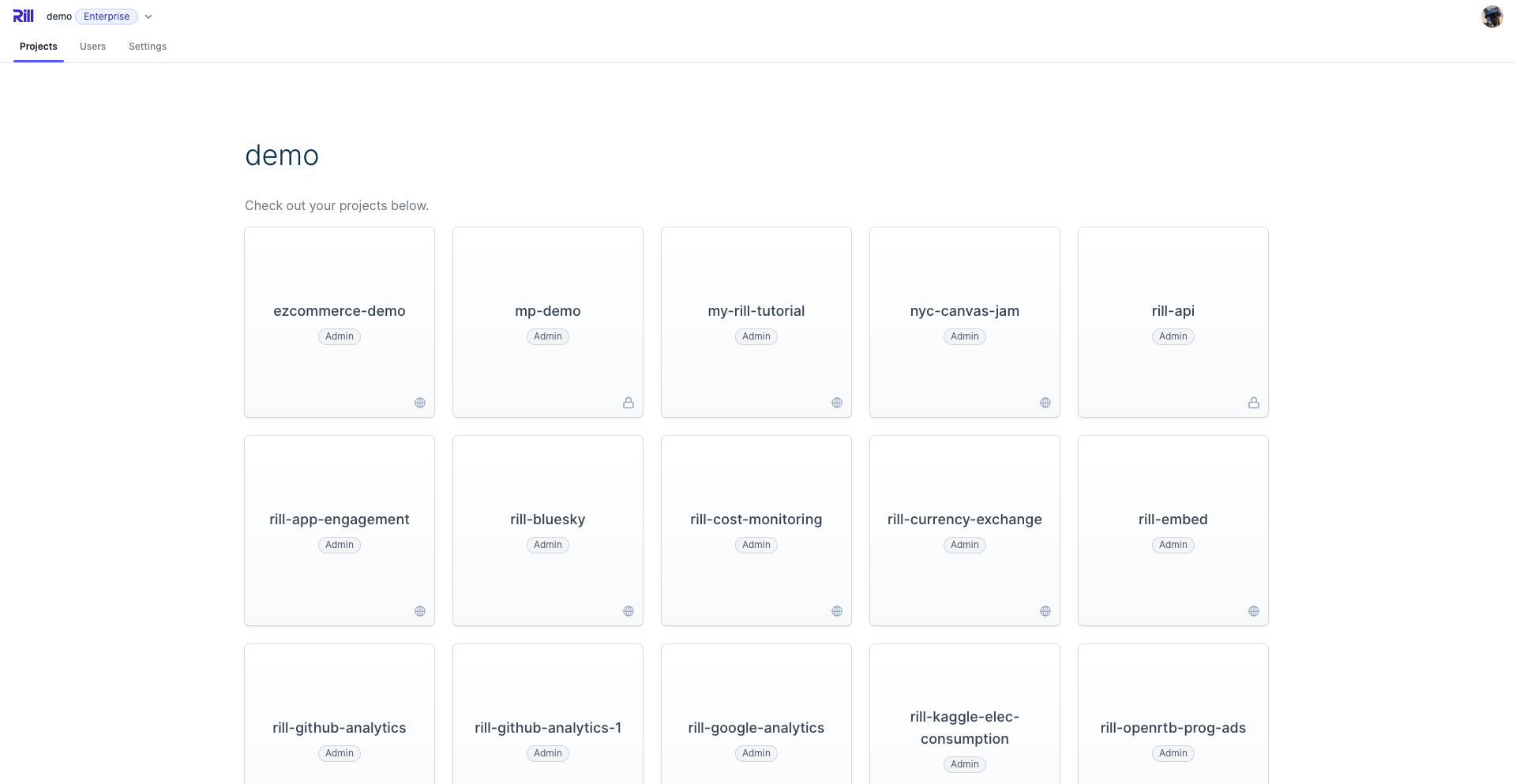
An organization in Rill is the parent management object and encompasses how your team interfaces with Rill Cloud. Organizations are designed to hold the different components of your Rill project. Organizations consist of projects that each have their own sources, models, metrics views, dashboards, user management, and general settings.
Organization Hierarchy
Organization
├── Users & Groups
│   ├── Admins
│   ├── Editors
│   ├── Members
│   └── Guests
├── Projects
│   ├── Project A
│   └── Resources
│       ├── Data Sources
│       ├── Models
│       ├── Metrics Views
│       ├── Dashboards
│       └── APIs
│   └── Project B
│       ...
User Management
From the Users page, you can view and manage users within your organization. Note that users with specific project access will not appear on this page and can be managed via each individual project. For more information, please review our User Management documentation.
Org Settings via Rill Cloud
On the organization settings page, depending on your plan type, you can view the general information, billing, and current usage. The Billing tab is only available for those on a Team Plan. You can use this page to add or modify your current payment type. For more information, please review our Billing Information documentation.
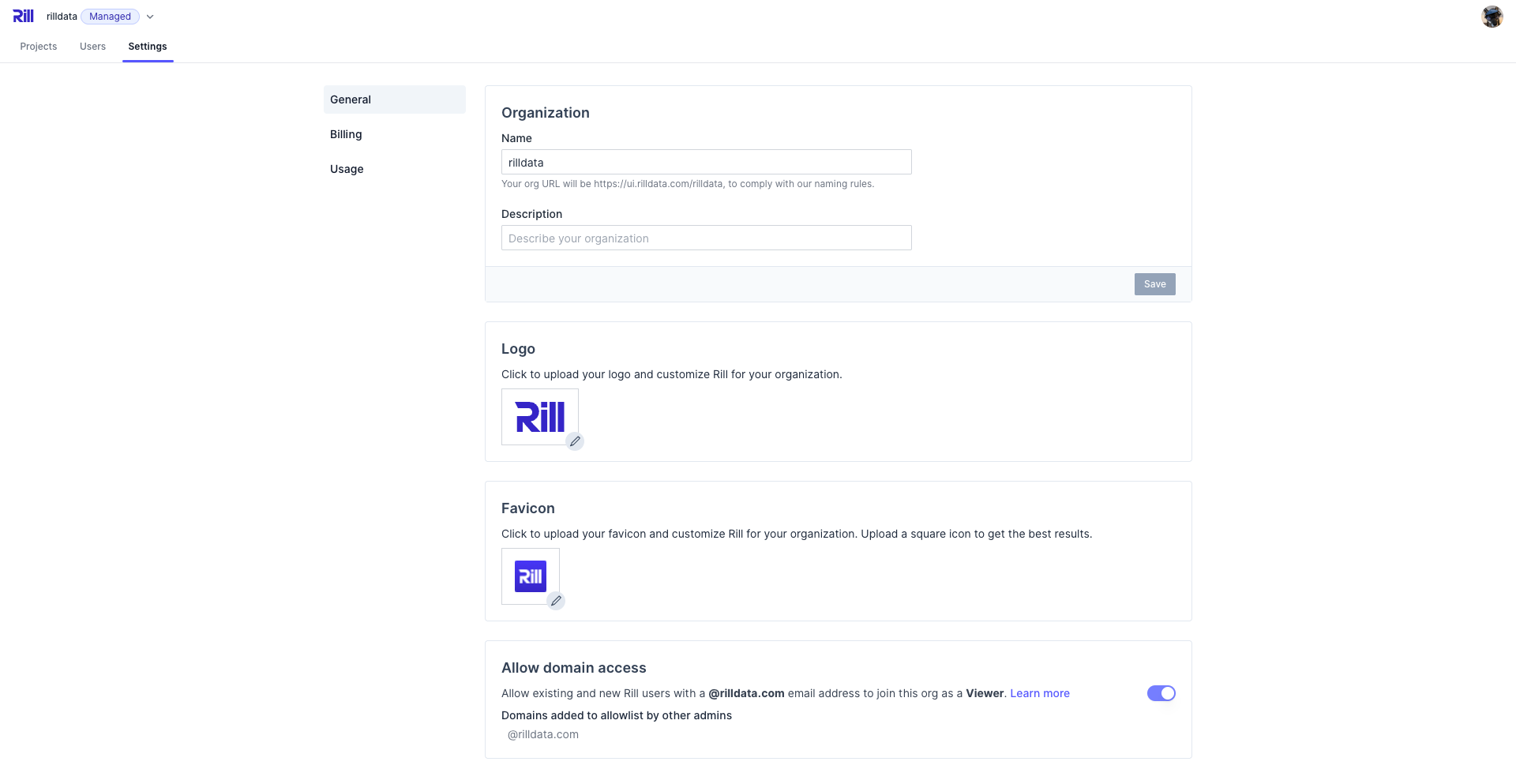
Logo and Favicon
Along with general organization settings, you are also able to modify the Logo in the top right corner as well as the Favicon in the browser. Simply upload a supported file into the project and see the icon change!
Managing an Organization from the CLI
Similar to the UI, if you want to make any changes to the organization via the CLI, this is possible using the following:
rill org
Manage organisations

Usage:
  rill org [command]

Available Commands:
  create      Create organization
  edit        Edit organization details
  switch      Switch to other organization
  list        List all organizations
  delete      Delete organization
  rename      Rename organization

Global Flags:
      --api-token string   Token for authenticating with the cloud API
      --format string      Output format (options: "human", "json", "csv") (default "human")
  -h, --help               Print usage
      --interactive        Prompt for missing required parameters (default true)
Access to Rill can be granted on the organization level, project level, and user group level.