Getting Started with Rill Cloud
Rill Cloud is a fully-managed platform that brings powerful, interactive analytics directly to your fingertips. Explore your data through instant dashboards, ask questions in plain English with AI Chat, and share insights with your team—all without writing SQL or waiting for custom reports. Your data team has already set up the metrics and dashboards you need; you simply explore, analyze, and collaborate.
This guide is for anyone who consumes dashboards and insights in Rill Cloud — business analysts, marketing and finance teams, operations leads, executives, and anyone else on your team who needs to explore data, set up alerts, schedule reports, or share findings. No coding or SQL experience required.
Need to build or maintain Rill projects — connect data sources, write models, define metrics, or deploy dashboards? See the Developer Docs.
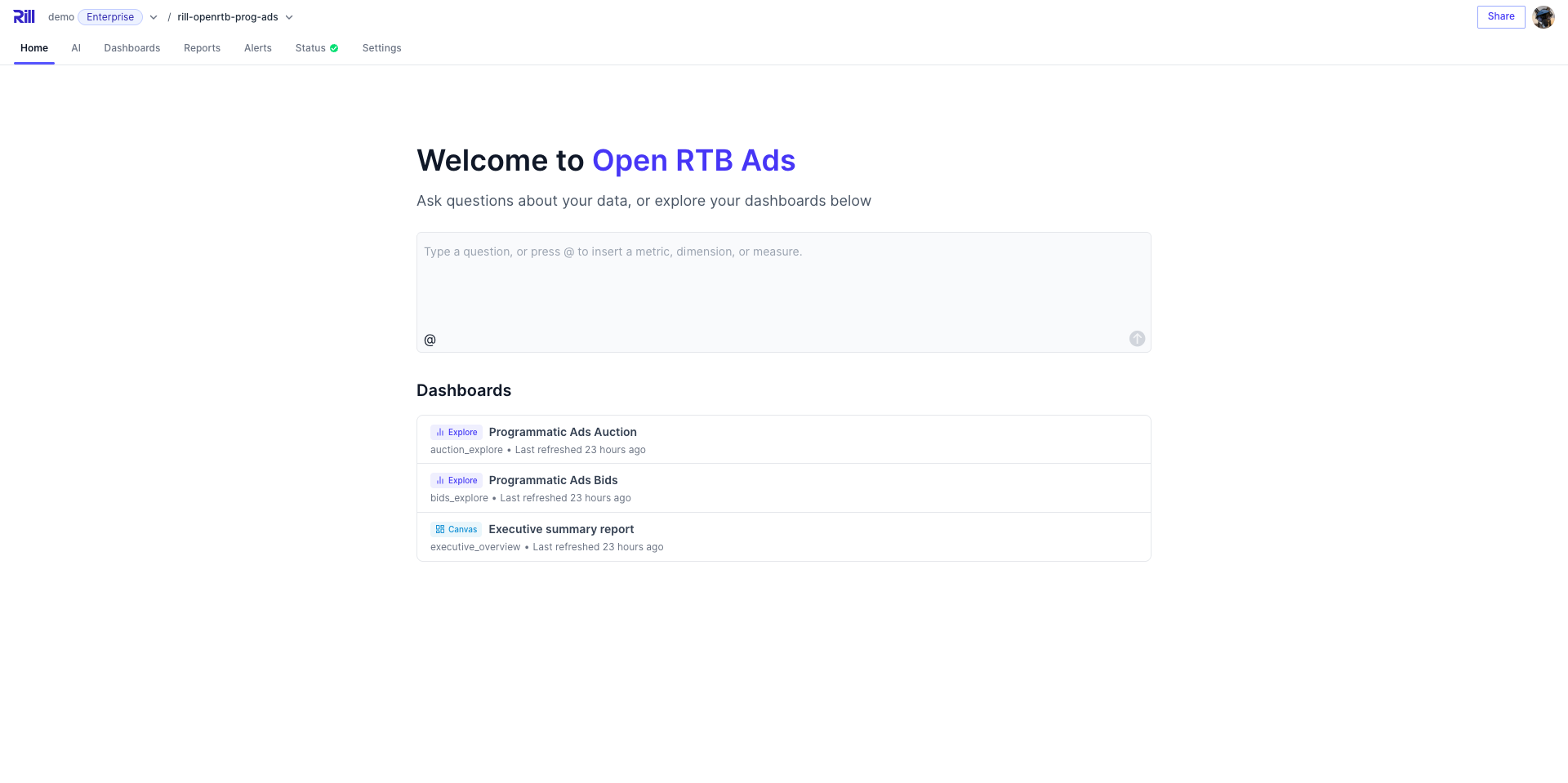
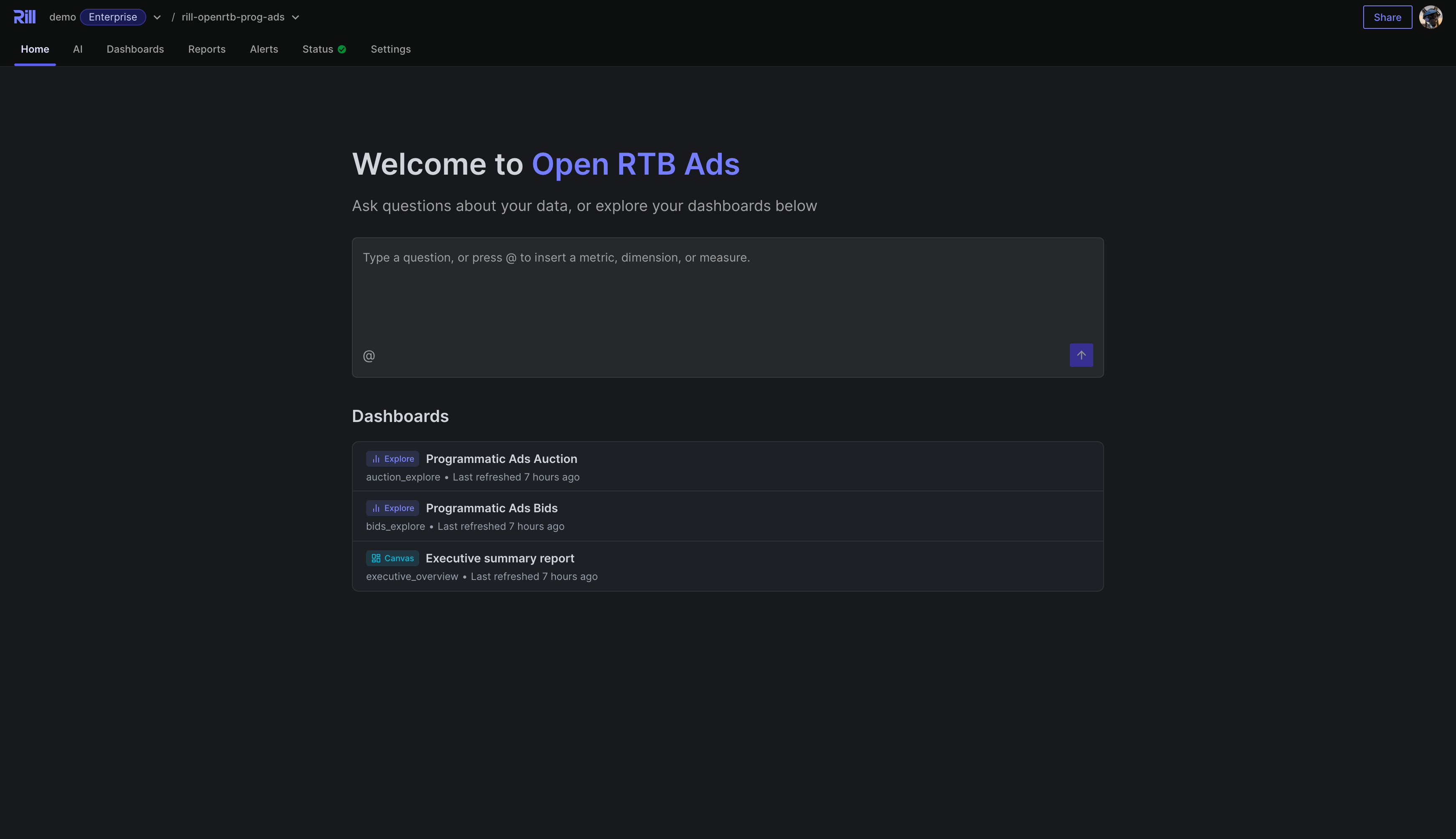
Ask questions about your data in natural language and get instant insights. No SQL required—just conversation.
Navigate interactive dashboards with measures, dimensions, and time series visualizations. Slice, dice, and drill down into your metrics in real-time.
Create Excel-style pivot tables with drag-and-drop functionality. Analyze data across multiple dimensions, measures, and time granularities for comprehensive cross-tabulations.
Create custom dashboard layouts with multiple visualizations and components. Design personalized views tailored to your needs.
Save specific dashboard states with filters, metrics, and dimensions. Share bookmarks with your team or set them as default views for quick access to your regular analyses.
Save dashboard views as bookmarks and share them with your team. Share dashboards externally via public URLs without requiring Rill accounts.
Set up automated reports delivered via email or Slack.
Set up alerts in Rill Cloud to receive notifications when certain conditions are met.
Manage your organization, projects, billing, and organization-wide settings. Configure branding, preferences, and project deployments.
Invite team members, assign roles, and manage access controls. Organize users into groups and configure permissions at organization and project levels.


