Managing Projects in Rill Cloud
Once an organization is created, you can populate it with projects. Each project has its own set of sources, models, metrics views, and explore dashboards. A defined object in a project cannot be shared to another project.
Projects can be connected to a GitHub repository for continuous deployment. See GitHub Integration for details on connecting and managing repository connections.
Project
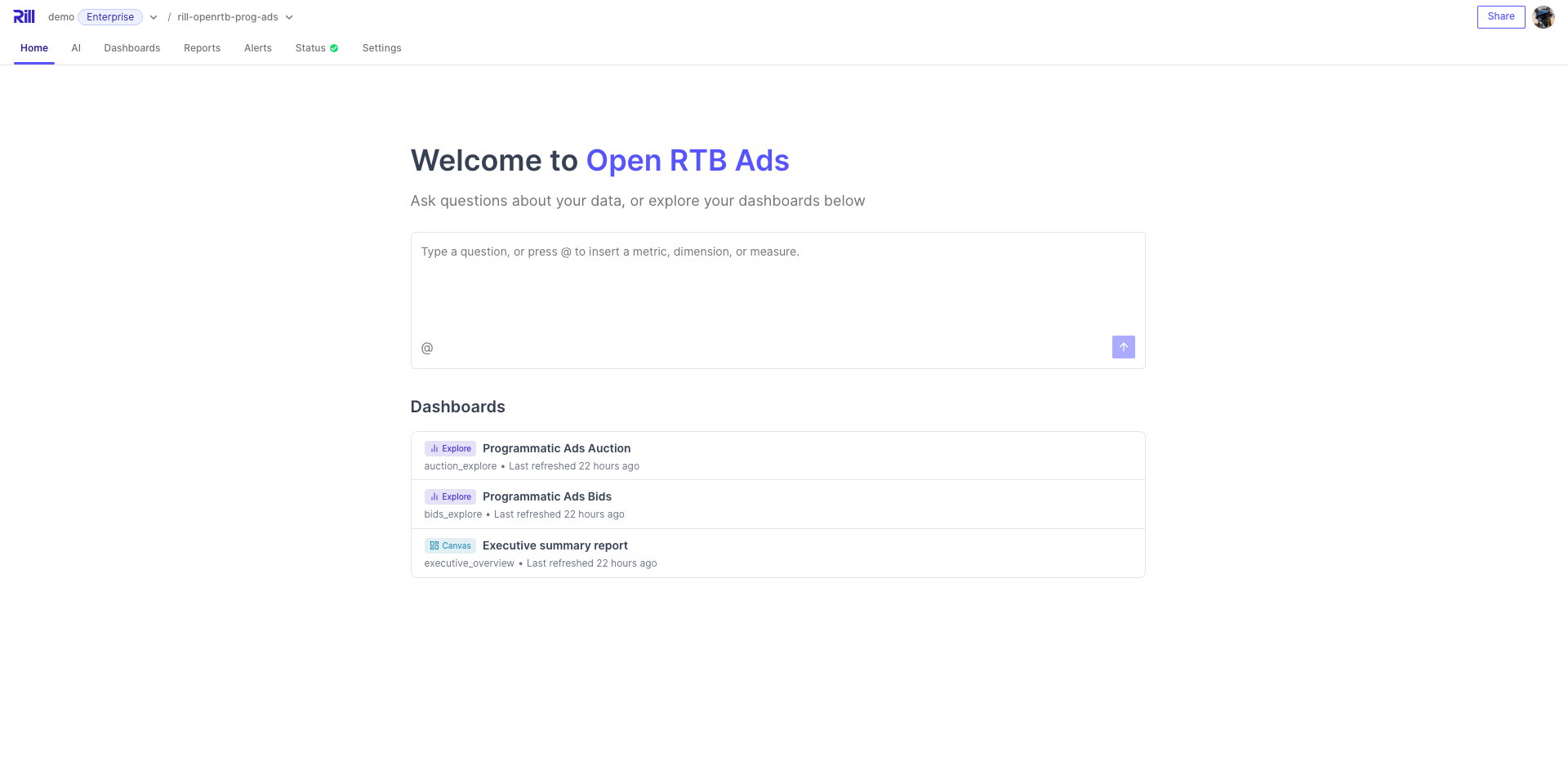
A project is a single deployed instance from Rill Developer (or what we refer to as a Rill project). Once you have deployed a project to Rill Cloud, you can make changes to it via the CLI or via Rill Cloud.
Checking deployment status
After deploying to Rill Cloud, you can navigate to the status page to monitor your project's health. The status page provides an overview of your deployment details, resource statuses, tables, and errors, with dedicated tabs for deeper inspection.
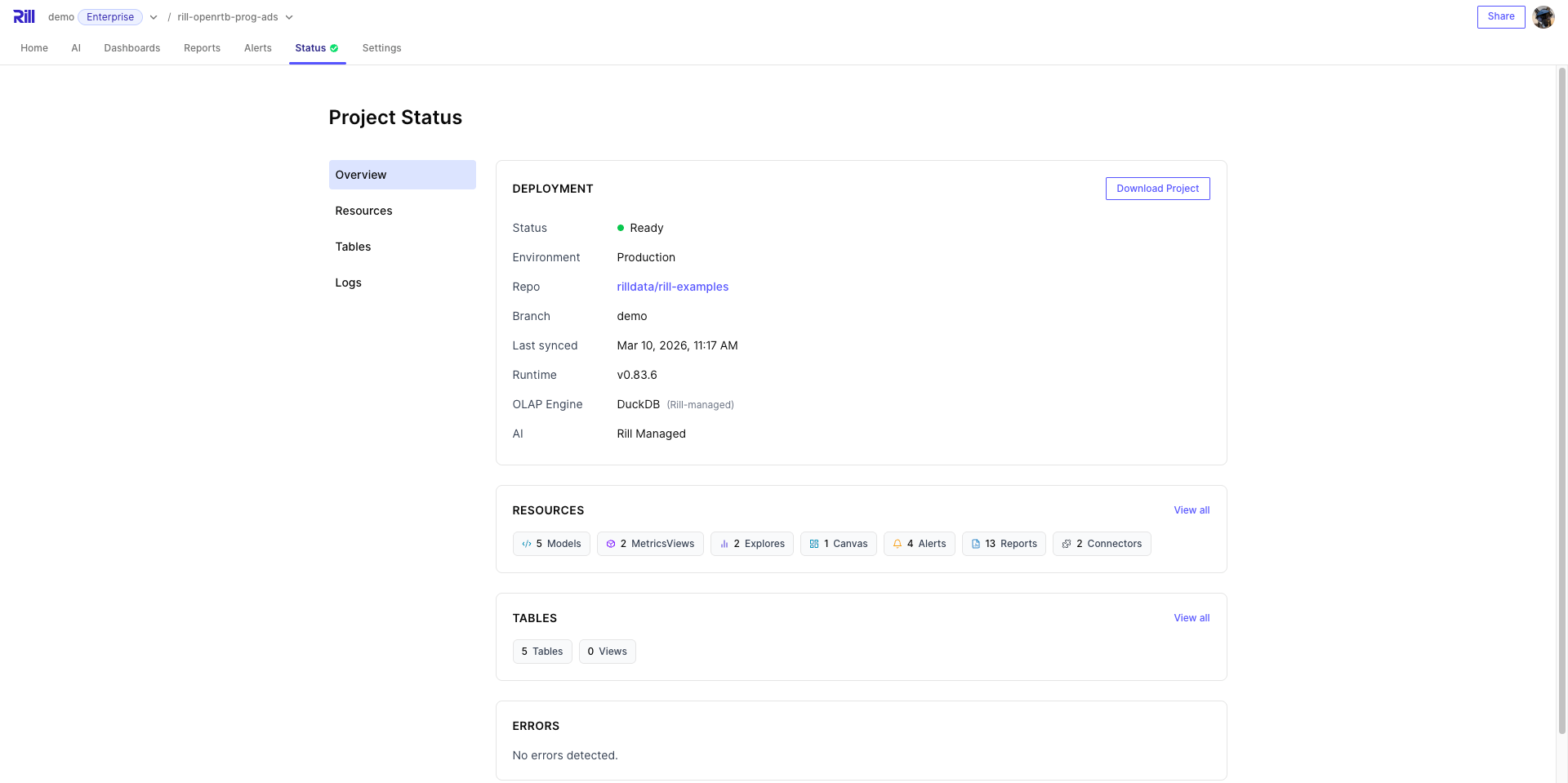
To change the compute allocated to your deployments, see Deployment Slots.
Resources
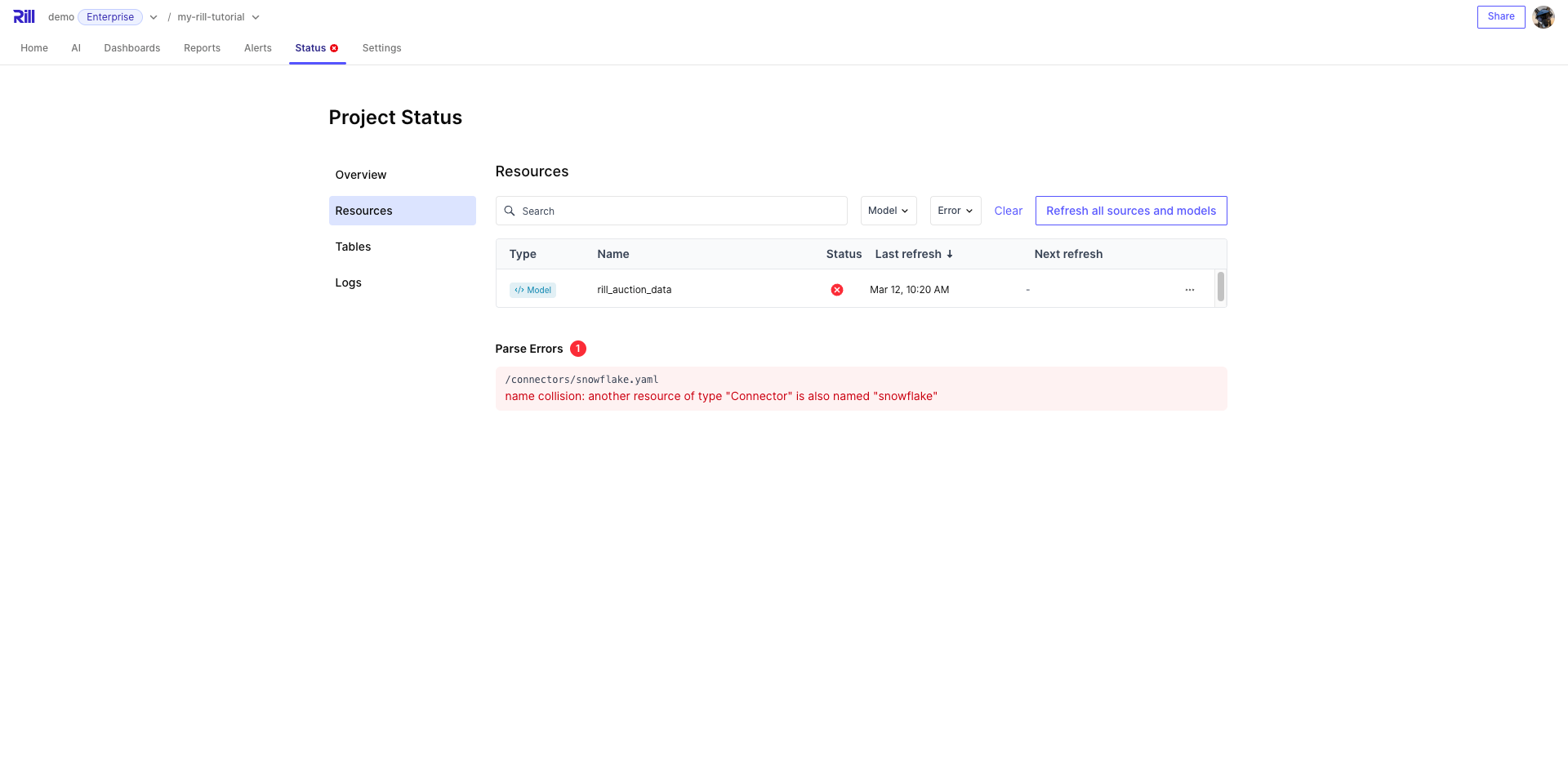
The Resources tab lists all project resources (sources, models, metrics views, explores, etc.) with their current reconciliation status. You can search, filter by resource type or status (OK, Error, Warn), and trigger a full refresh of all sources and models. Parse errors are also surfaced here. You can filter by resource type and status to get quick information about the status of your project.
Tables
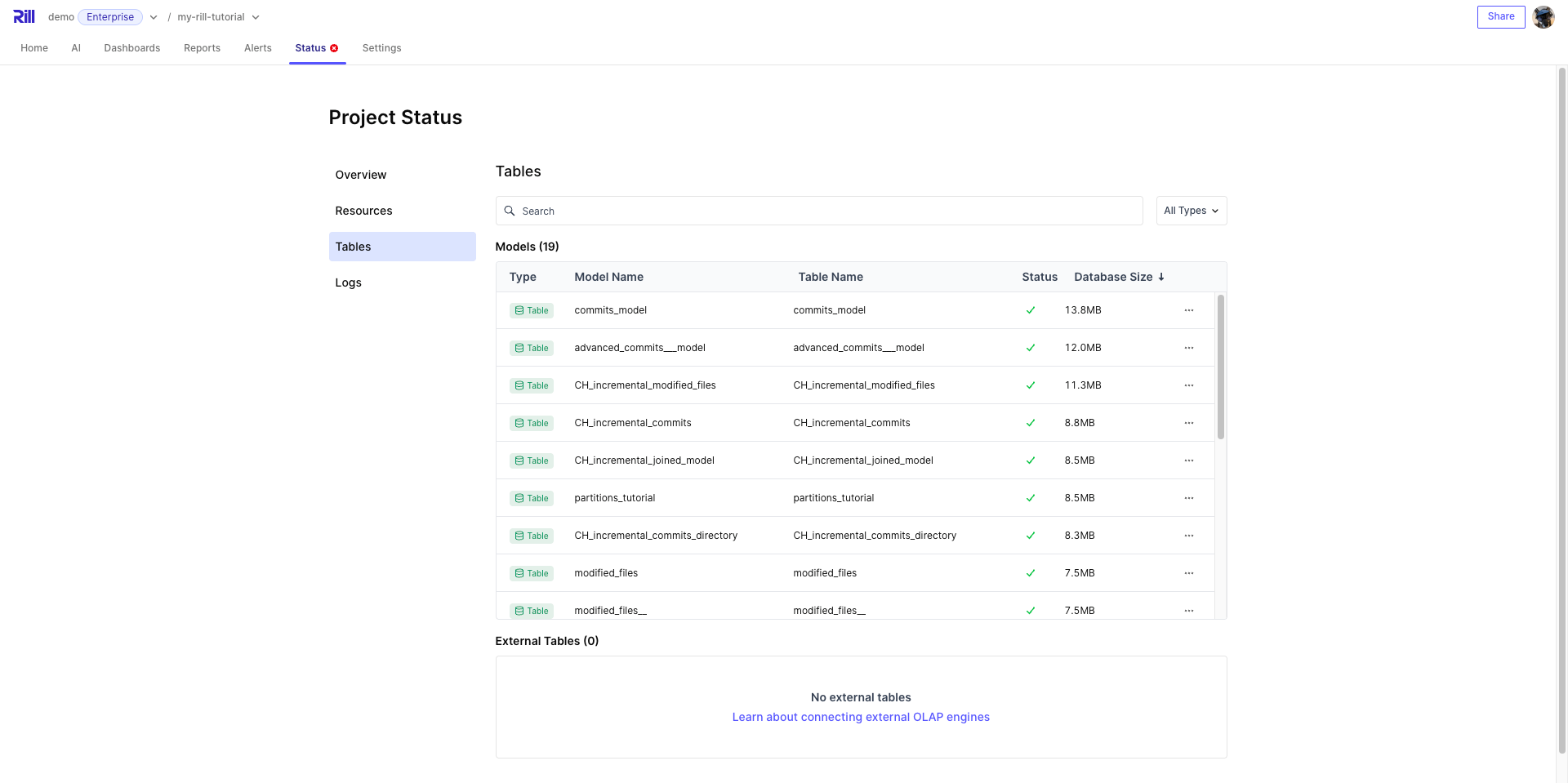
The Tables tab provides visibility into the tables in your OLAP database. Tables are split into two sections: Models (tables managed by Rill) and External Tables (tables that exist in the OLAP engine but are not managed by Rill). You can search and filter by type (table or view), view partition details for incremental models, and trigger model refreshes.
Logs
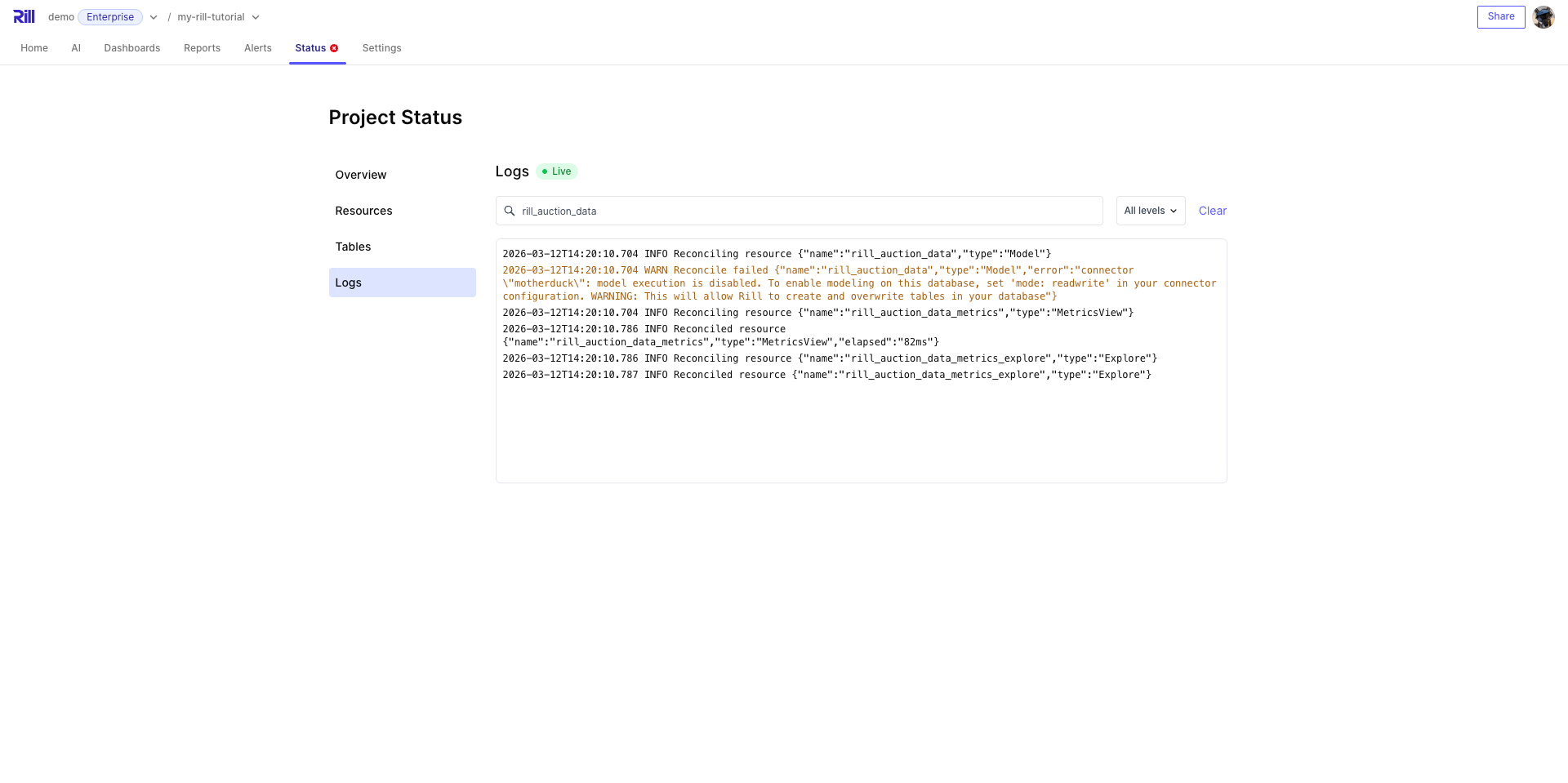
The Logs tab streams live runtime logs from your deployment via a real-time connection. You can search log messages and filter by level (Debug, Info, Warn, Error) to quickly diagnose issues.
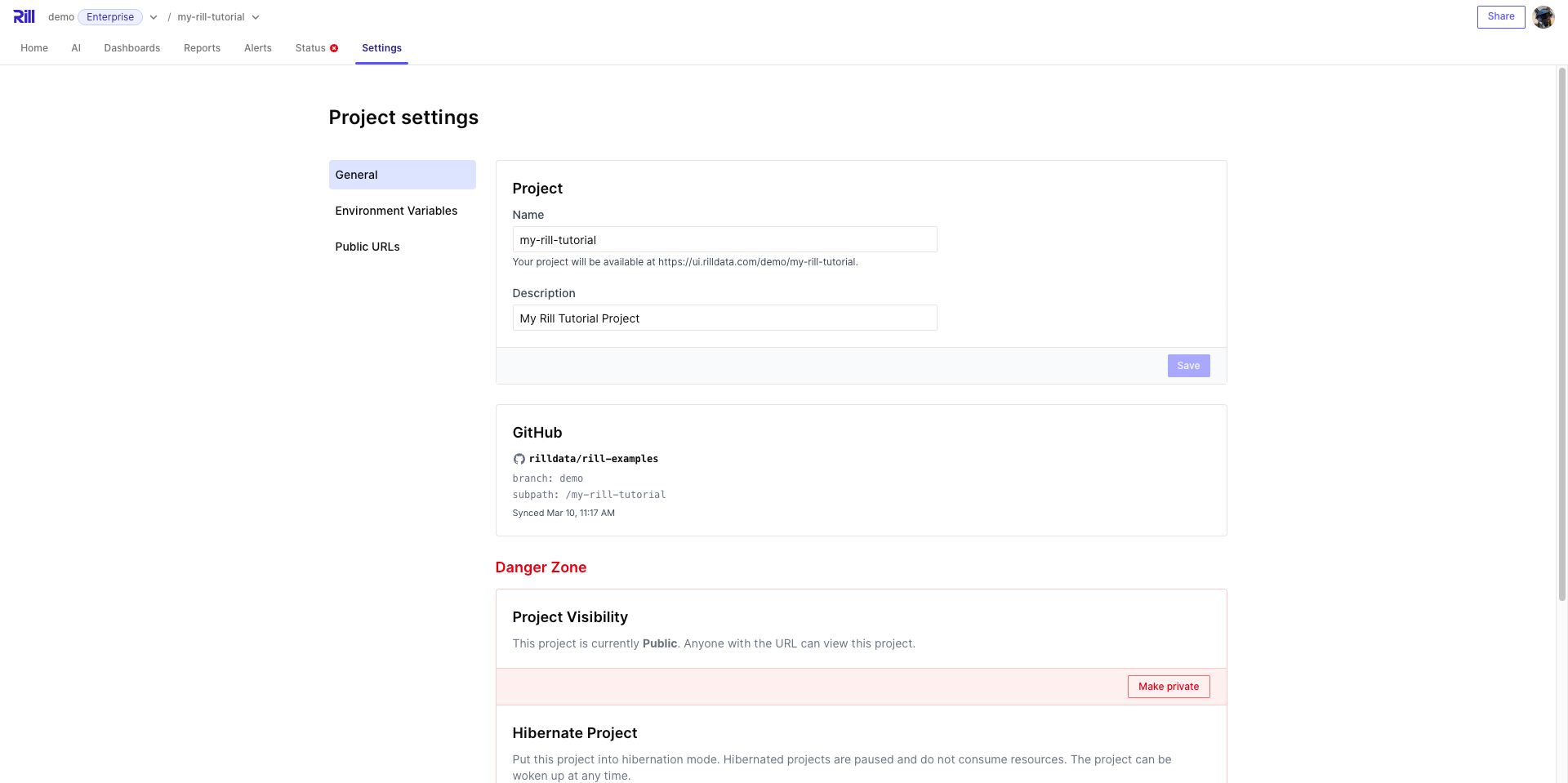
Managing Project settings
You can also manage project objects on the settings page, including public URLs (created in an Explore dashboard) and environment variables. For more information on managing variables, see variables and credentials.
Managing a Rill project from the CLI
Managing a project includes the project itself and all components or resources that belong to the project. Via the CLI, you can make changes to the project's properties such as description, public access, etc. Run rill project -h for an overview of available commands.
Refreshing the deployment
If your project is connected to a GitHub repository, it will automatically redeploy every time you push changes. To manually refresh data sources without pushing code changes (or redeploying your project), run the following command:
rill project refresh [--source/model] (source_name or model_name) [--local]
Checking deployment status
In case you need to check the project status via the CLI, you can run the following:
rill project status
Make a project public
Projects on Rill Cloud are private by default. To make a project's dashboards publicly accessible without authentication, run:
rill project edit --public=true
Warning: If you make a project public, make sure it does not expose any confidential data.