Build Rill Projects with Your Favorite IDE
Use Any IDE for Rill Development
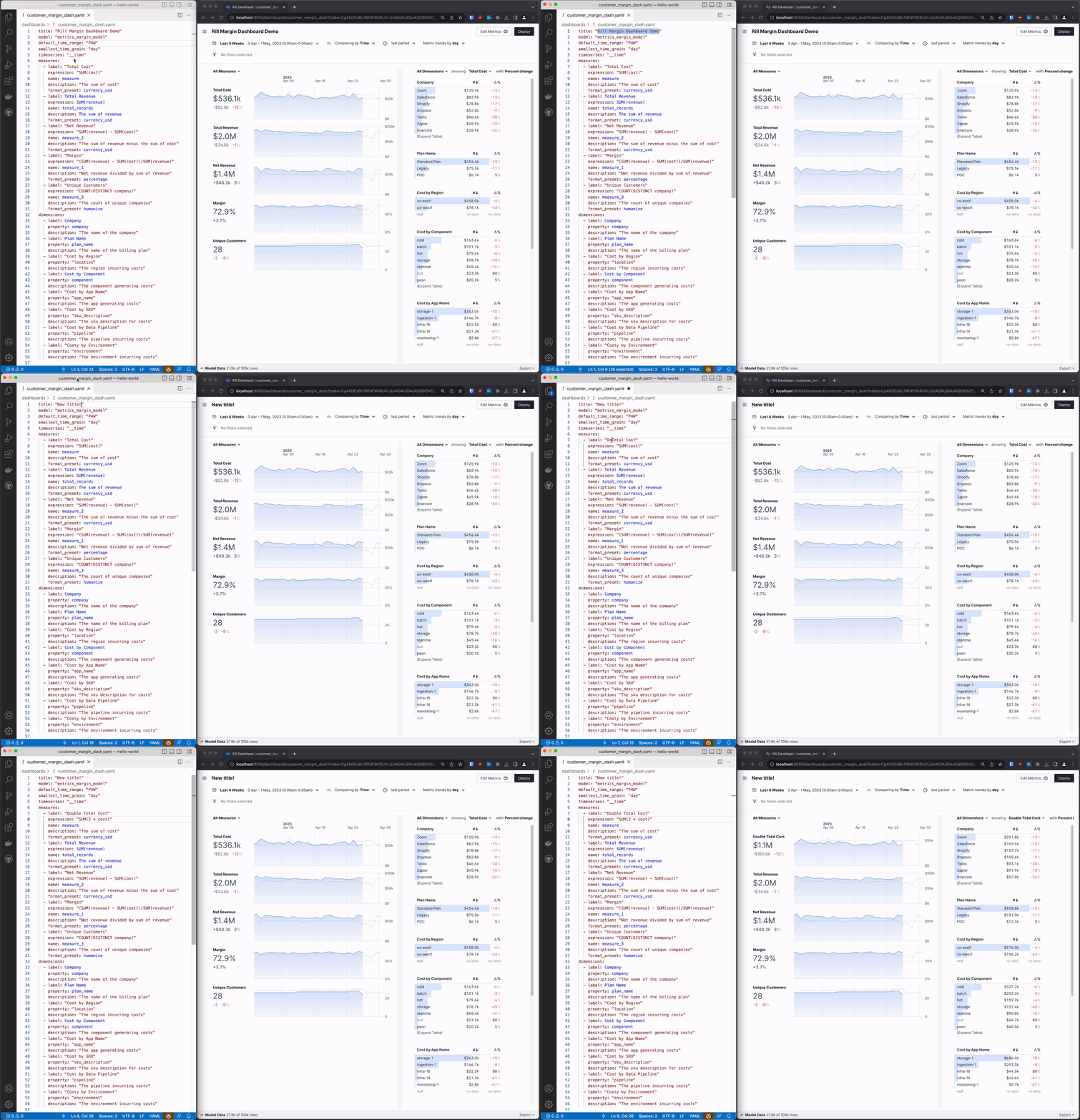
Rill projects are just files and folders that you can edit with any code editor or IDE. Whether you prefer VS Code, IntelliJ, Vim, or any other editor, you can create and modify Rill projects directly from your favorite development environment.
How It Works
Rill projects consist of:
- SQL files (
.sql) for models and metrics views - YAML files (
.yml) for project configuration - Data files in various formats
You can edit these files in any IDE, and Rill will automatically detect changes and provide real-time feedback.
Using AI Agents to Build Rill Projects
Rill ships built-in agent skills that teach AI coding agents like Claude Code and Cursor how to build Rill projects. A single rill init command scaffolds everything your agent needs — resource schemas, best practices, and development conventions.
# Add agent skills for Claude Code, Cursor, and AGENTS.md-compatible tools
rill init --agent all
See the Agent Skills documentation for installation instructions for each tool, or the Agentic Quickstart for a full walkthrough.